 SS1
SS1 SS1 Tool for Windows
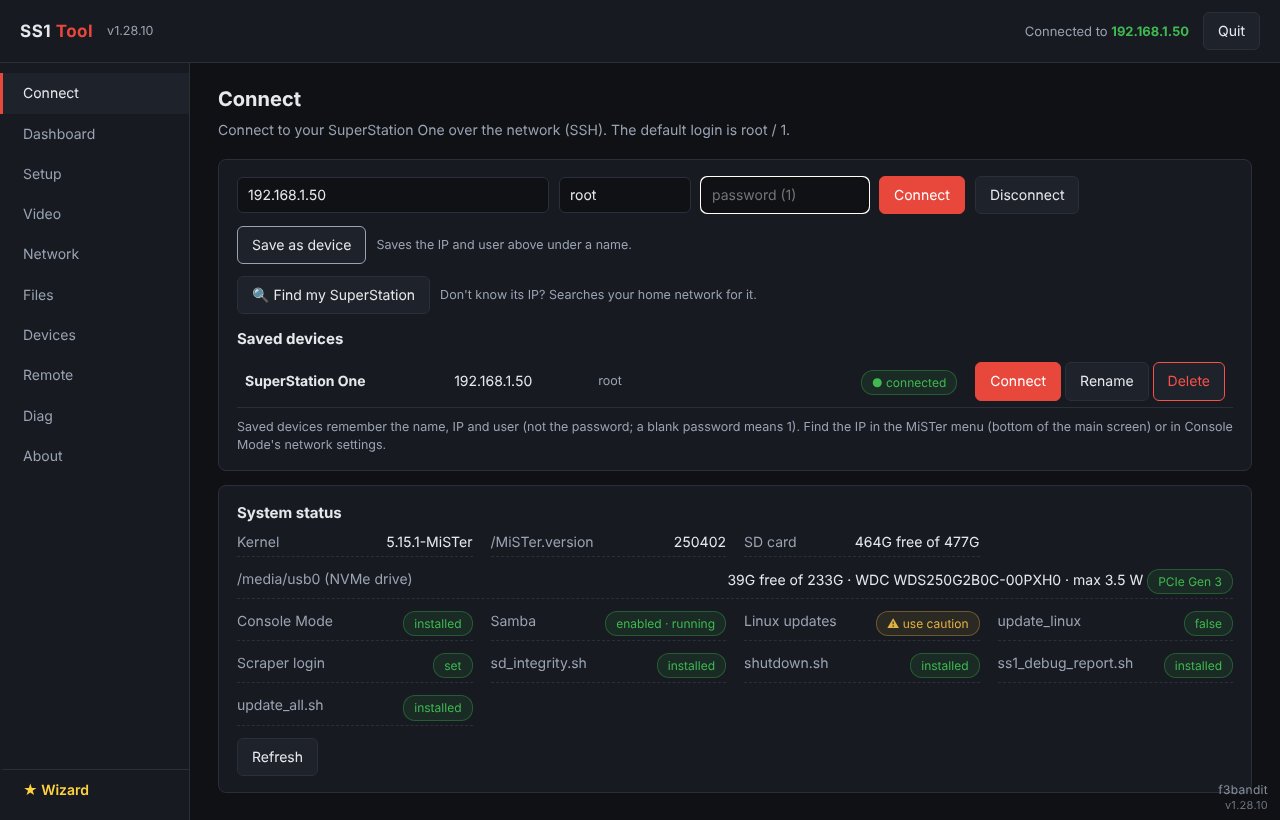
Free. One exe, no installer. It connects to your SuperStation One over your home network and opens in its own window.
What it does
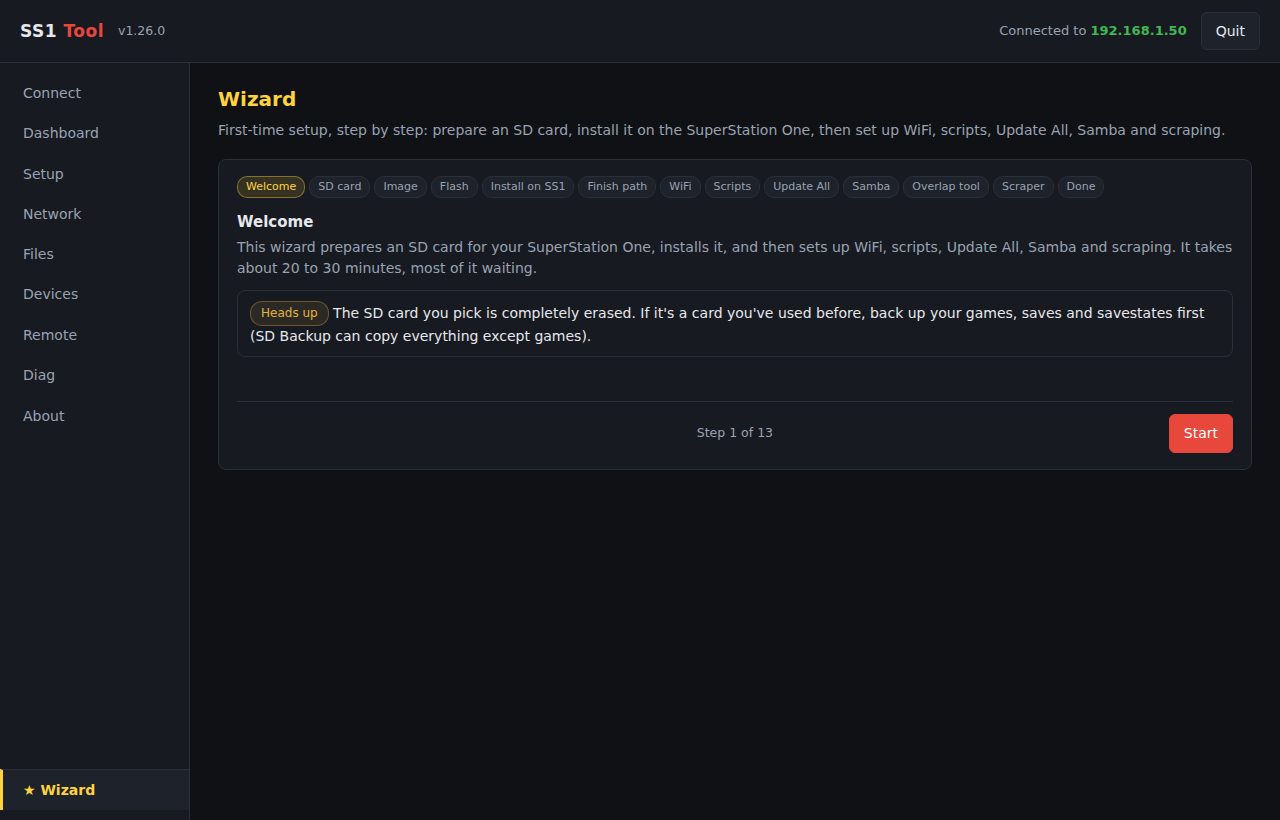
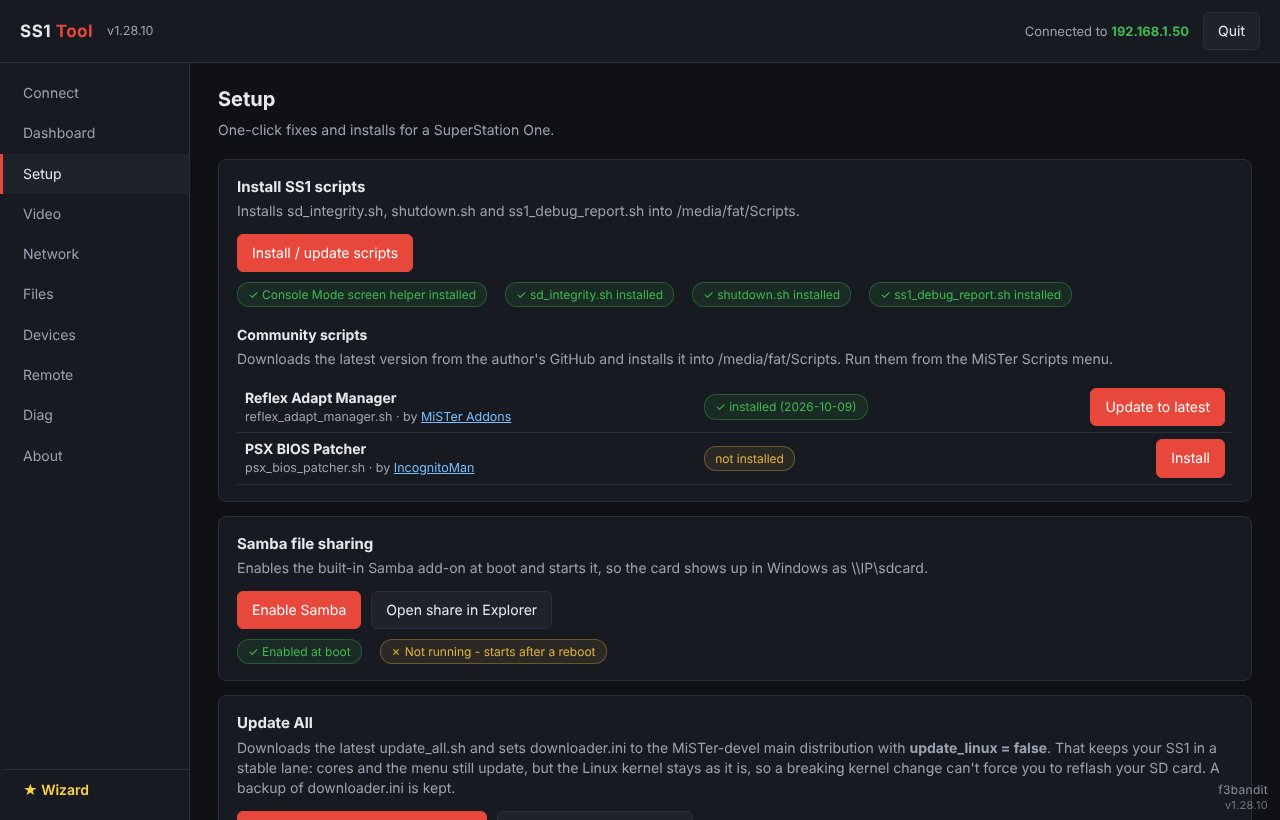
SetupScripts, Update All on the stable lane, Samba, scraper and RetroAchievements accounts, the memory card and controller tester cores, the PlayStation core's SNAC settings without loading the core, and the MiSTer settings editor with backups.
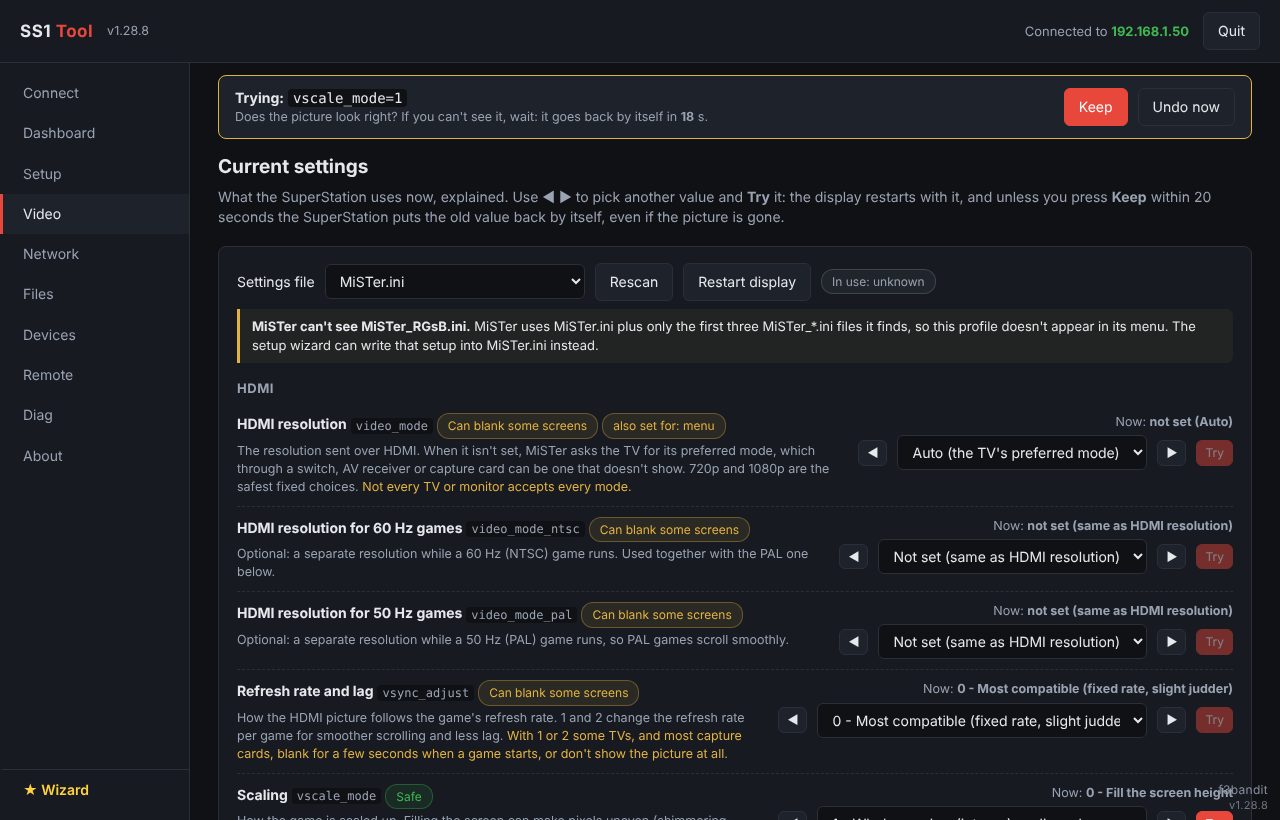
VideoEvery video setting explained, a wizard for how your TV, monitor or CRT is connected, a symptom fixer, and safe try-and-keep.
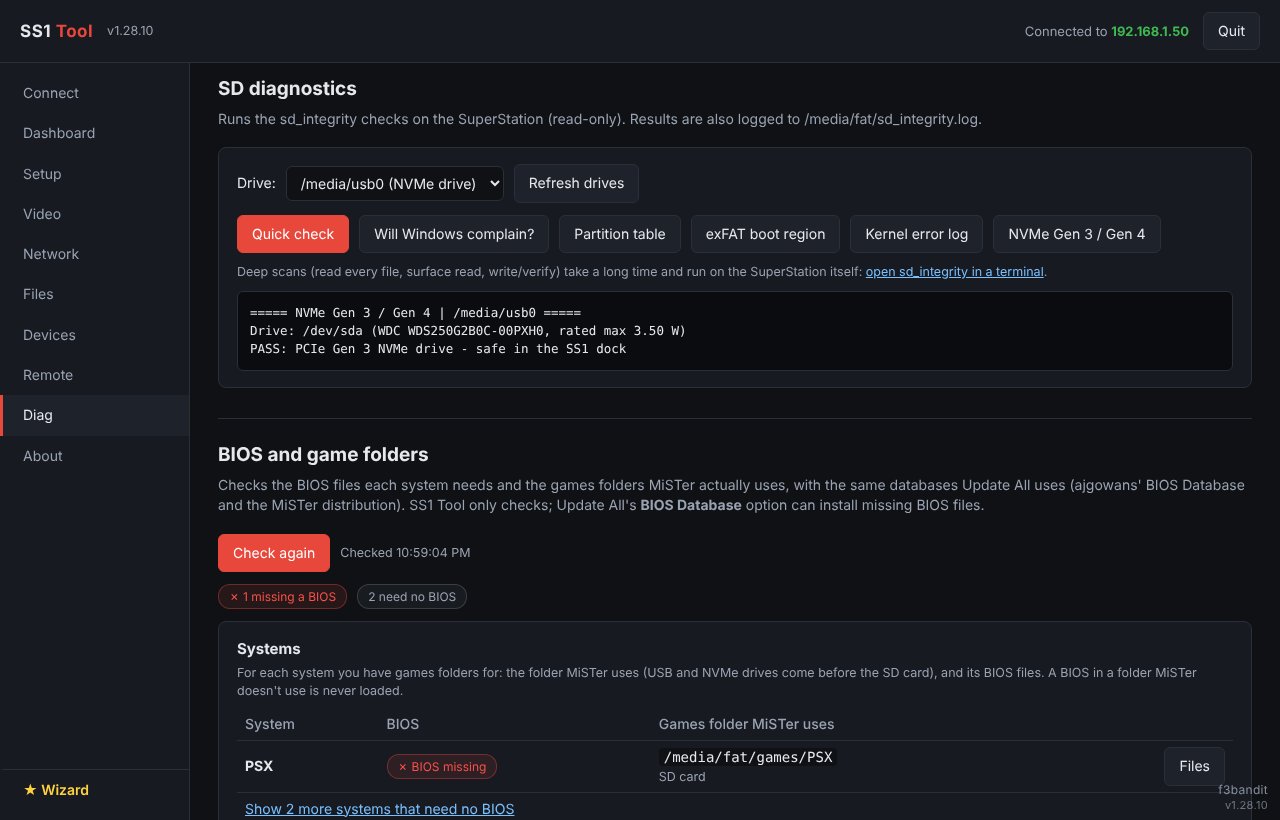
SD card and NVMeFlash the official SS1 SD Card Installer, check partitions and exFAT health, deep read/write tests, and full SD backups (with the partition table and bootloader) to your PC or straight to the NVMe drive. NVMe health and temperature, read speed test, and file system check and repair. Warns about PCIe Gen 4 NVMe drives, which cause sudden reboots, boot and file system problems in the SS1 dock.
ArtworkBox art and backgrounds for Console Mode, downloaded and optimized on your PC instead of on the SuperStation, then copied over. Search by another name or upload your own picture for patched and modded games, and clean up art for games you removed.
Memory cardsBack up the PlayStation memory card in the SuperStation's front port, keep every card in a library on your PC, move saves between cards, and copy saves back onto the real card. Only the sectors that change are written and each one is checked, always after a fresh backup.
SavesBack up and restore saves and save states for every system, plus a nightly backup of saves to the NVMe drive that the SuperStation runs by itself.
NetworkEthernet details with port and router speed, WiFi setup, signal quality and nearby networks, and playing games from a network share, including one shared from your PC.
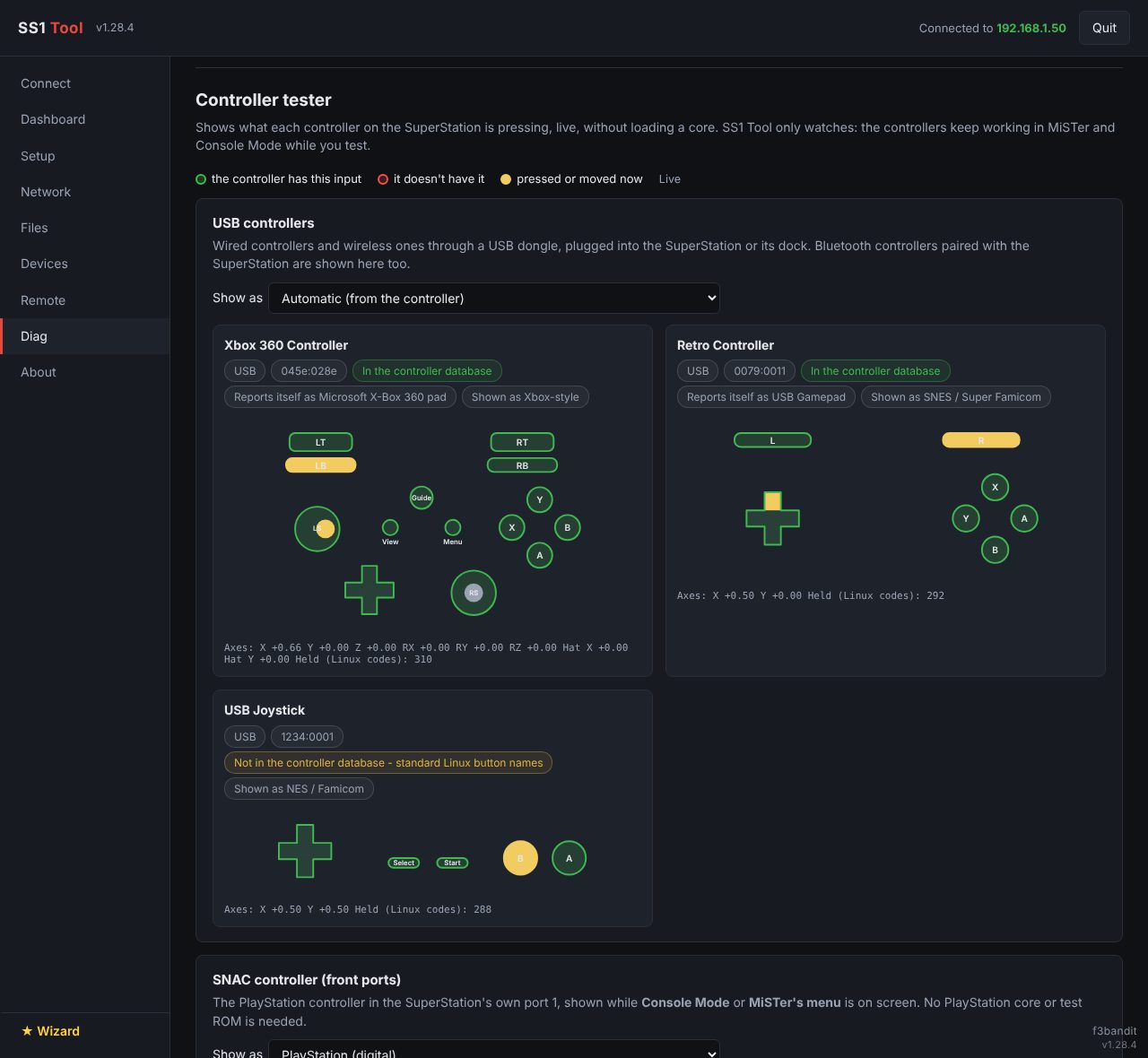
DevicesUSB devices, Bluetooth pairing and backups, controller mappings, and a live controller tester for USB and Bluetooth controllers and both SNAC front ports, analog sticks included.
SyncKeeps your backups, memory cards and saved SuperStations the same in SS1 Tool on Windows and Android, through the SuperStation itself: no account, nothing leaves your home network. Pick which drive holds the shared copy, and move it with one button.
SupportOne debug report for the Taki Udon Discord, with passwords, WiFi names and addresses removed.
The full feature list and the source are on GitHub.
Requirements
- Windows 10 or 11, 64-bit
- A SuperStation One on the same network as your PC
- Flashing an SD card needs administrator rights (SS1 Tool offers to restart itself as administrator)
Antivirus warnings
Some antivirus programs flag SS1Tool.exe. It's a false positive: SS1 Tool isn't code-signed yet, and it does things that look unusual to an automatic scanner but are needed for its features:
- writing directly to SD cards when you flash one (that's why it asks for administrator rights);
- creating a limited Windows account when you use Share a folder from this PC, so the SuperStation can read that one folder;
- connecting to the SuperStation over SSH and sending it small helper programs.
The source code is public on GitHub. Only download SS1 Tool from this website or the GitHub releases page. If your antivirus blocks it, please let us know which antivirus and what it called the file, so it can be reported as a false positive.
SS1 Tool is free. If it saved your SD card or your evening, you can buy me a coffee:
