 SS1
SS1 SS1 Tool for Android
Set up, fix and control your SuperStation One from your phone or tablet. On Google Play for a one-time $4.99: no ads, no tracking, no subscription, free updates.
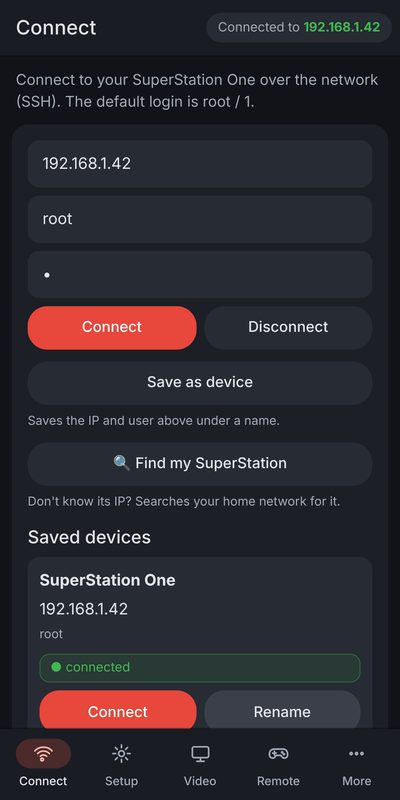
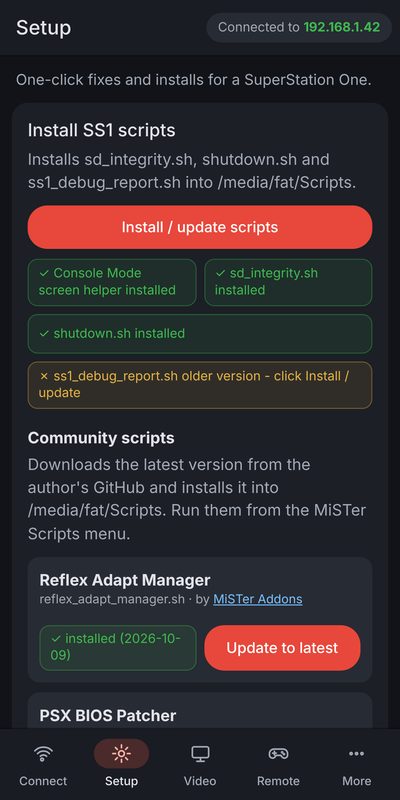
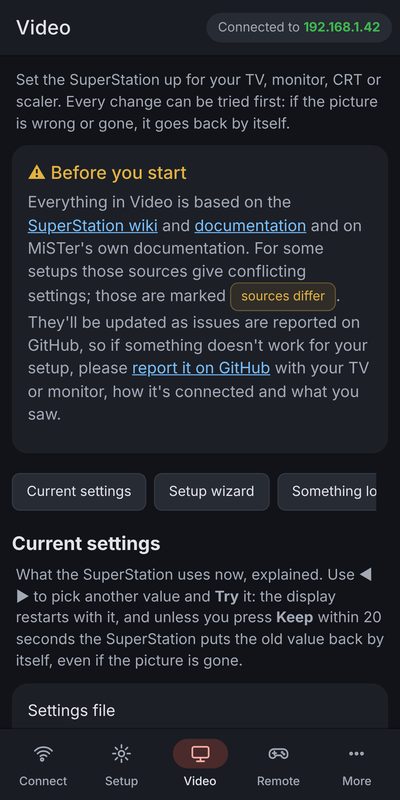
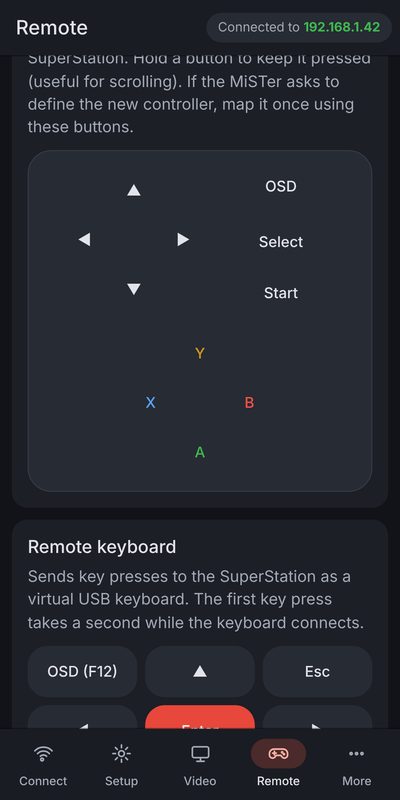
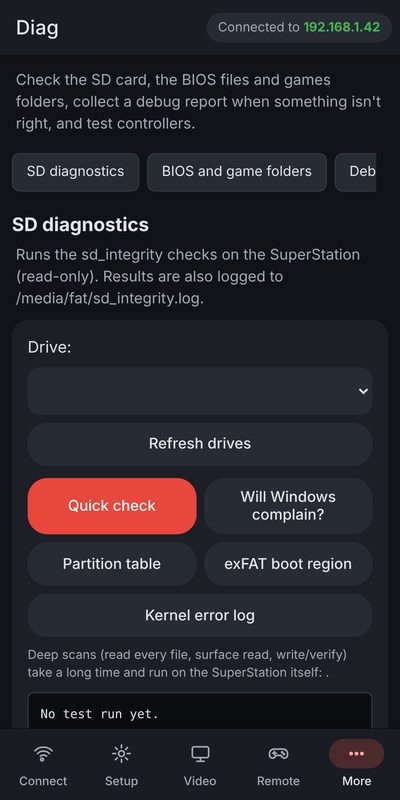
What's in it
Things that need a PC, like flashing an SD card, stay in the free Windows app.
Requirements
- Android 8.0 or newer, phone or tablet (built for Android 16)
- Google Play on the device
- A SuperStation One on the same WiFi network as your phone
What you get
- A one-time purchase on Google Play, linked to your Google account
- Use it on your Android phones and tablets signed in with that account
- All updates, free, delivered by Google Play
- Refunds: within 48 hours on Google Play yourself, or up to 14 days through us (refund policy)
- Payment, sales tax and VAT are handled by Google Play
Installing, updating and moving to a new phone: Get SS1 Tool for Android.
The first time it opens, SS1 Tool asks you to read and accept the License Agreement. You use it at your own risk and are responsible for your SuperStation, your data and your backups. See also the Privacy Policy. SS1 Tool for Android is unofficial: it isn't made, endorsed or supported by Taki Udon or Retro Remake.
Become a tester
Google requires a 14-day closed test before a new app opens to everyone. Testers get the app free and help find anything that doesn't work or doesn't fit their screen.
- Join the tester group with the Google account you use on the Play Store: Join the tester group
- Get a free copy: message f3bandit on the Taki Udon Discord, or email f3.digital.systems@gmail.com, for a Google Play promo code.
- Open the test on Google Play and tap Become a tester, then install SS1 Tool from Play and redeem the code: Open the Google Play test
- Keep it installed for 14 days and use it with your SuperStation. Found a problem? In the app, open About › Report a problem with the app.